
Use the Babylitics Custom GPT to Track Your Baby with ChatGPT

On this page
- What Is the Babylitics Custom GPT?
- What Can You Do With It?
- Log Baby Metrics
- Ask Questions About Your Baby's Day
- Compare Against Guidelines
- How to Get Started
- Step 1: Open the Babylitics GPT
- Step 2: Authorize Your Account
- Step 3: Start Chatting
- Example Conversation
- What About Privacy?
- Babylitics GPT vs. MCP: Which Should I Use?
- Frequently Asked Questions
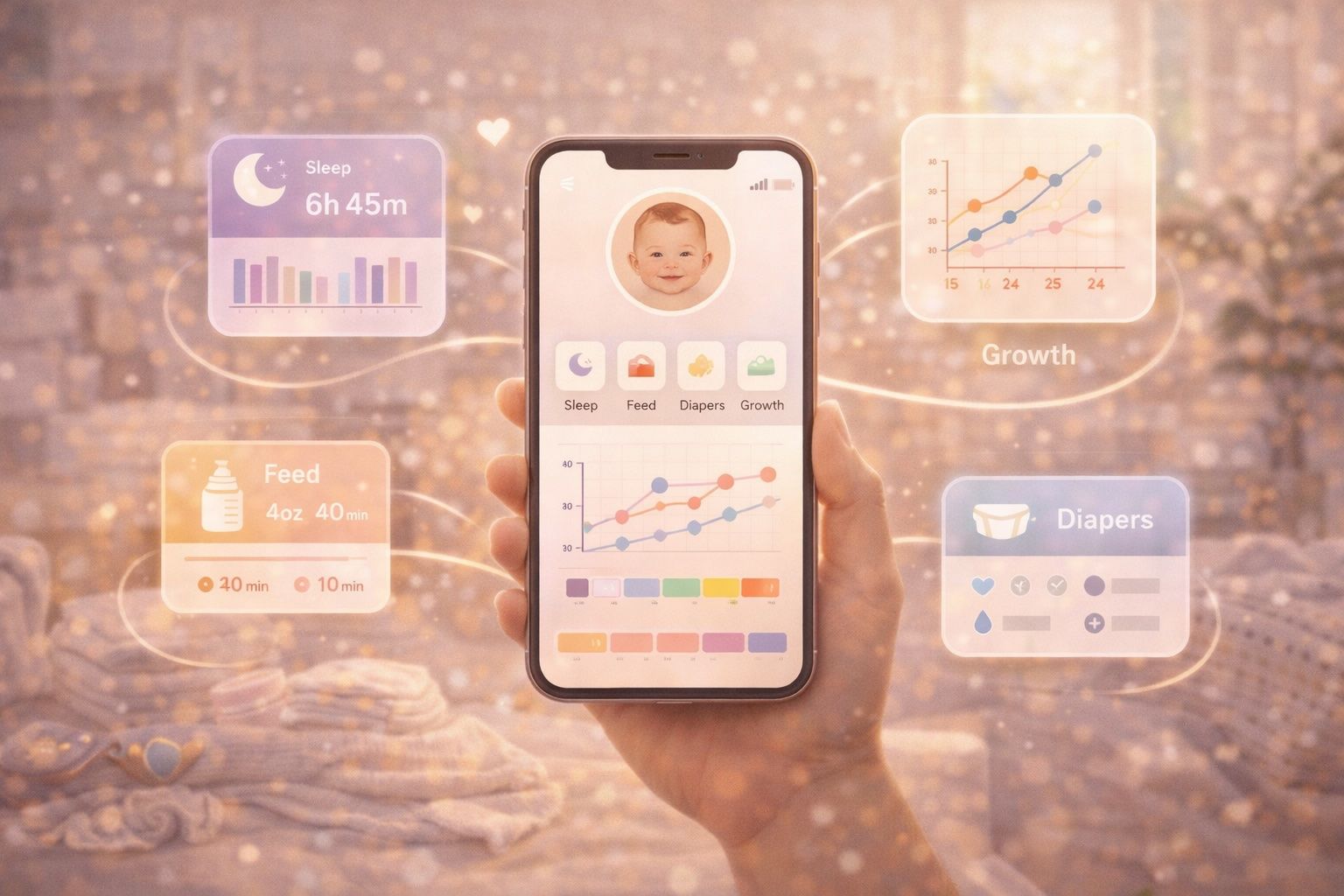
What if you could log a feeding, check your baby's sleep trend, or compare their weight to WHO guidelines — all by typing a message in ChatGPT? With the Babylitics Custom GPT, you can.
What Is the Babylitics Custom GPT?
It's a purpose-built ChatGPT assistant that connects directly to your Babylitics account. Instead of opening the app, navigating to the right screen, and tapping through forms, you just tell ChatGPT what you need in plain language.
No installation. No configuration. No command-line tools. Just open ChatGPT, start a conversation with the Babylitics GPT, and authorize it with your Babylitics account.
What Can You Do With It?
Log Baby Metrics
Skip the forms — just tell ChatGPT what happened:
- "Log a 5oz formula feeding for Emma"
- "Noah just had a 45-minute nap"
- "Dirty diaper for Ella at 3pm"
- "Emma weighs 18.5 lbs today"
- "Temperature check: 98.6°F for Noah"
The GPT creates the entry in Babylitics with the correct type, amount, and timestamp.
Ask Questions About Your Baby's Day
Instead of scrolling through lists, just ask:
- "How many feedings did Emma have today?"
- "How did Noah sleep last night?"
- "What's Ella's diaper count this week?"
- "Show me today's dashboard for Emma"
The GPT pulls real data from your Babylitics account and summarizes it in a way that's easy to read.
Compare Against Guidelines
The GPT has access to the same WHO and AAP guideline comparisons built into Babylitics:
- "How is Emma's weight compared to WHO growth standards?"
- "Is Noah sleeping enough for his age?"
- "What should Ella's feeding volume be according to AAP?"
- "Are Emma's diaper counts normal for a 3-month-old?"
You get actual percentiles, guideline ranges, and age-appropriate thresholds — not generic advice.
How to Get Started
Step 1: Open the Babylitics GPT
Visit the Babylitics Custom GPT in ChatGPT. You can also find it by searching "Babylitics" in the GPT store.
Custom GPTs are available to all ChatGPT Plus, Team, and Enterprise users. They let third-party tools connect securely to ChatGPT through authenticated APIs.
Step 2: Authorize Your Account
On your first message, the GPT will ask you to sign in to your Babylitics account. This is a one-time authorization — ChatGPT remembers your session for future conversations.
Step 3: Start Chatting
That's it. Ask a question or log an entry. The GPT handles the rest.
Example Conversation
You: "How did Emma do today?"
Babylitics GPT: Here's Emma's summary for today:
- Feedings: 4 feedings — 8oz formula, 25 min breastfeeding
- Sleep: 10h 30m total (7h 30m night + 3h naps)
- Diapers: 5 changes (3 wet, 2 dirty)
- Temperature: 98.2°F at 9am — Normal
You: "Log a formula feeding of 4oz"
Babylitics GPT: Done! Logged a 4oz formula feeding for Emma at 2:15 PM.
You: "How does her weight compare to WHO guidelines?"
Babylitics GPT: Emma's current weight is 16.2 lb at 4 months. According to WHO growth standards, she's tracking at the 62nd percentile — well within the normal range.
What About Privacy?
- Your data stays in Babylitics — the GPT queries your account on demand, nothing is stored by ChatGPT
- Authorization is per-session — you control when the GPT has access
- You can revoke access at any time from your Babylitics account
- No data is used for AI training — OpenAI's Custom GPT policy does not use conversation data from connected tools for model training
Babylitics GPT vs. MCP: Which Should I Use?
Babylitics offers two AI integration options:
| Custom GPT | MCP | |
|---|---|---|
| Platform | ChatGPT | Claude, Cursor, and any MCP-compatible tool |
| Setup | Zero — just open and authorize | Requires npx babylitics-mcp configuration |
| Best for | Quick logging and questions on the go | Power users who prefer Claude or use multiple AI tools |
| Requires | ChatGPT Plus/Team/Enterprise | Node.js 18+ and a compatible AI client |
Most parents will find the Custom GPT the easiest option. If you're a developer or prefer Claude, check out our MCP integration guide.
Frequently Asked Questions
Open the Babylitics Custom GPT in ChatGPT and start tracking your baby through natural conversation.